
5 Proven Strategies to Boost Website Performance and Speed
In today’s fast-paced digital world, website performance optimization is no longer optional—it’s essential. Users expect websites to load instantly, and even a slight delay can lead to higher bounce rates, poor user experience, and lost conversions.
Search engines like Google also prioritize fast-loading websites, which means your site speed directly impacts your SEO rankings. The faster your website, the better your chances of attracting and retaining visitors.
So, how can you improve your website speed effectively? Let’s explore five proven strategies.

1. Optimize Images for Faster Load Times
Images play a huge role in making your website visually appealing, but they can also slow it down if not optimized properly. Large, uncompressed images increase page size and loading time.
What You Can Do:
- Compress images before uploading
- Use modern formats like WebP
- Resize images according to display dimensions
Why It Matters:
Optimized images reduce load time and enhance both SEO and user experience.
2. Reduce Plugins and Eliminate Bloat
While plugins add functionality, too many of them can slow down your website and even create security risks. Each plugin adds extra scripts and database requests.
What You Can Do:
- Remove unused or outdated plugins
- Keep only essential plugins
- Replace heavy plugins with lightweight alternatives
Why It Matters:
A clean website runs faster, performs better, and is easier to maintain.
3. Minify CSS, JavaScript, and HTML
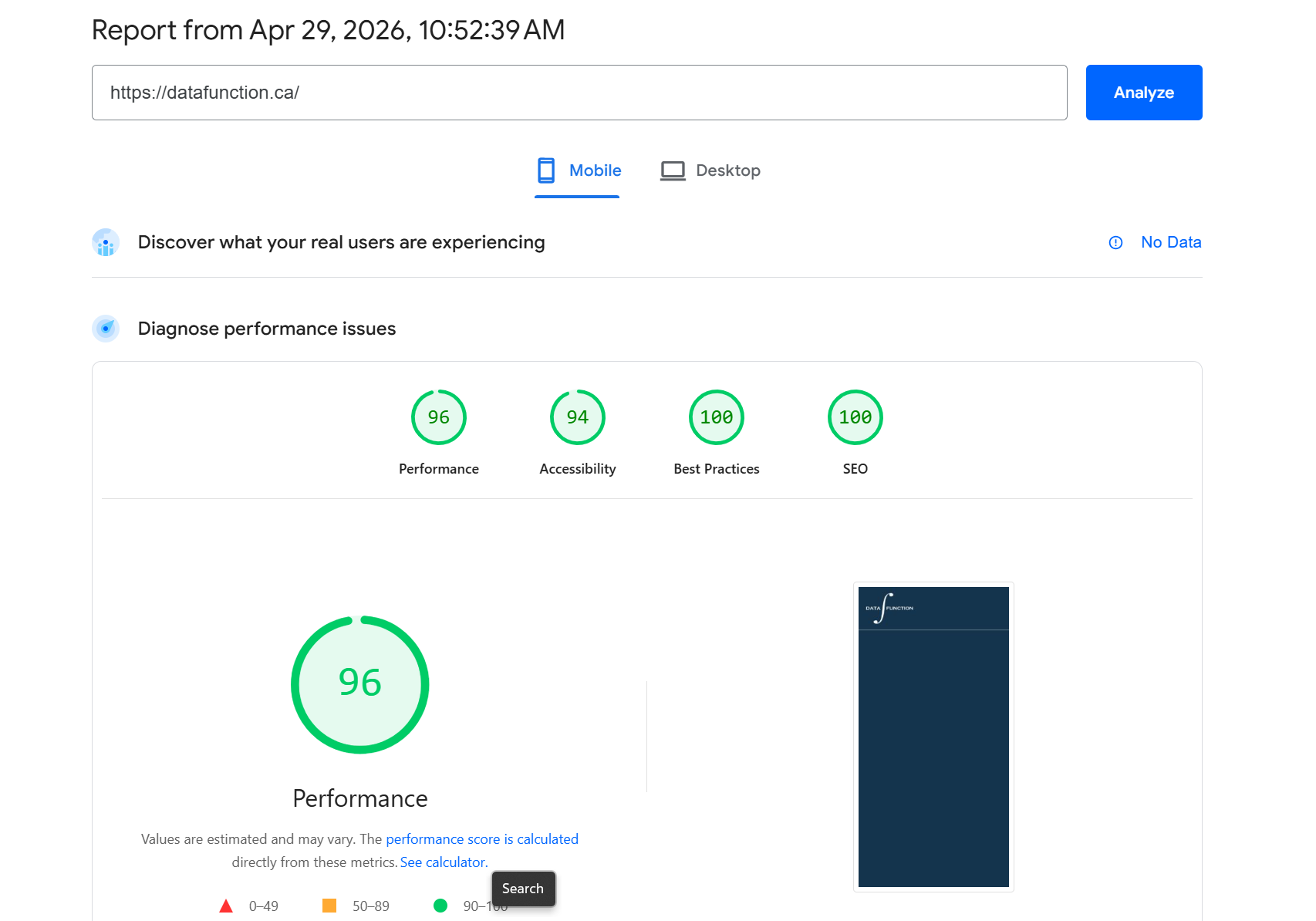
Code written by developers often includes spaces, comments, and formatting for readability—but browsers don’t need them. This extra code increases file size unnecessarily.
What You Can Do:
- Minify CSS, JavaScript, and HTML files
- Use automated tools or plugins
- Combine files to reduce HTTP requests
Why It Matters:
Minified code improves load speed and boosts technical SEO performance.
4. Use a Content Delivery Network (CDN)
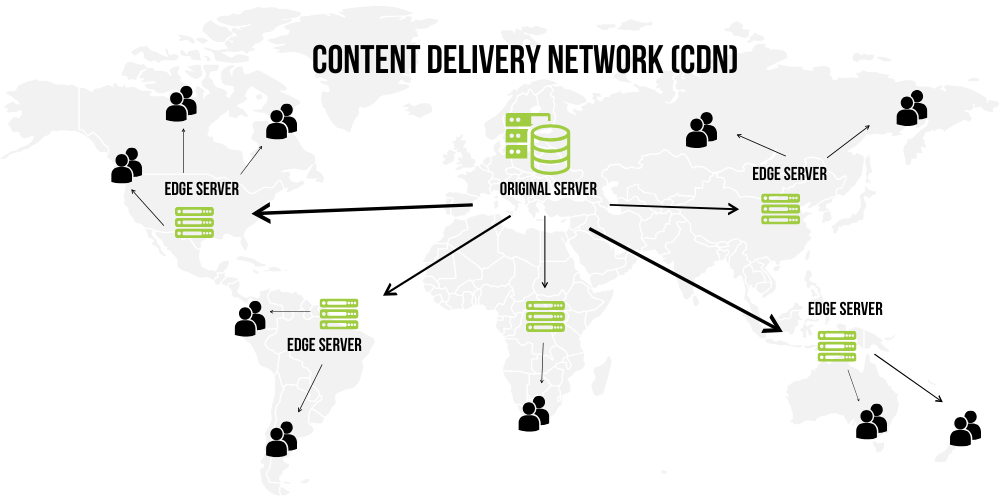
A Content Delivery Network (CDN) stores copies of your website on servers around the world. This allows users to access your site from the nearest server location.
What You Can Do:
- Integrate a CDN like Cloudflare or Bunny.net
- Deliver static content through global servers
- Reduce latency for international users
Why It Matters:
Faster delivery improves user experience and reduces bounce rates.
5. Enable Browser and Server Caching
Caching helps store frequently accessed data so your website doesn’t need to reload everything from scratch every time a user visits.
What You Can Do:
- Enable browser caching
- Use server-side caching
- Implement caching plugins
Why It Matters:
Caching significantly improves repeat visit speed and reduces server load.
How to Implement These Optimizations in WordPress
If your website is built on WordPress, you can apply all these performance improvements without deep technical knowledge. For image optimization, plugins like Smush or ShortPixel automatically compress images and convert them into modern formats like WebP. To manage plugins effectively, regularly audit your installed plugins and remove any that are unnecessary or slowing down your site.
For code minification, plugins such as Autoptimize or WP Rocket can automatically reduce CSS, JavaScript, and HTML file sizes. To set up a CDN, services like Cloudflare can be easily integrated with your WordPress website, often requiring just a simple setup. Finally, for caching, plugins like WP Rocket or W3 Total Cache help store static versions of your site, making it load much faster for returning visitors.
By using the right combination of these tools, even beginners can achieve a fast, optimized, and high-performing website.
Final Thoughts: Performance is a Continuous Process
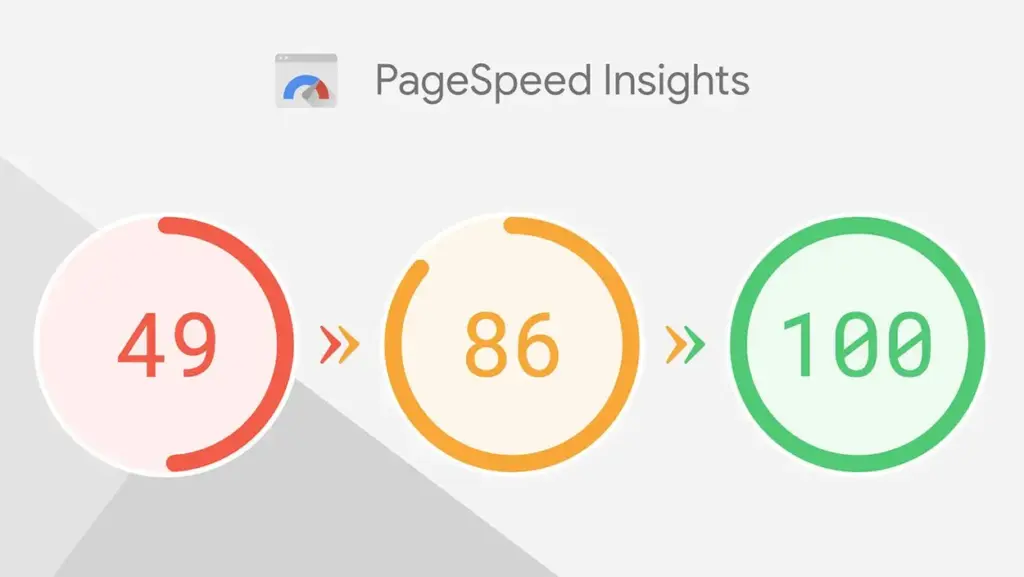
Improving website speed isn’t a one-time task—it’s an ongoing effort. By focusing on image optimization, reducing plugin bloat, minifying code, using a CDN, and enabling caching, you can dramatically improve your website performance.
A faster website not only ranks better on search engines but also delivers a seamless user experience that keeps visitors engaged and converts them into customers.
Now the question is: which strategy will you implement first?
Share :