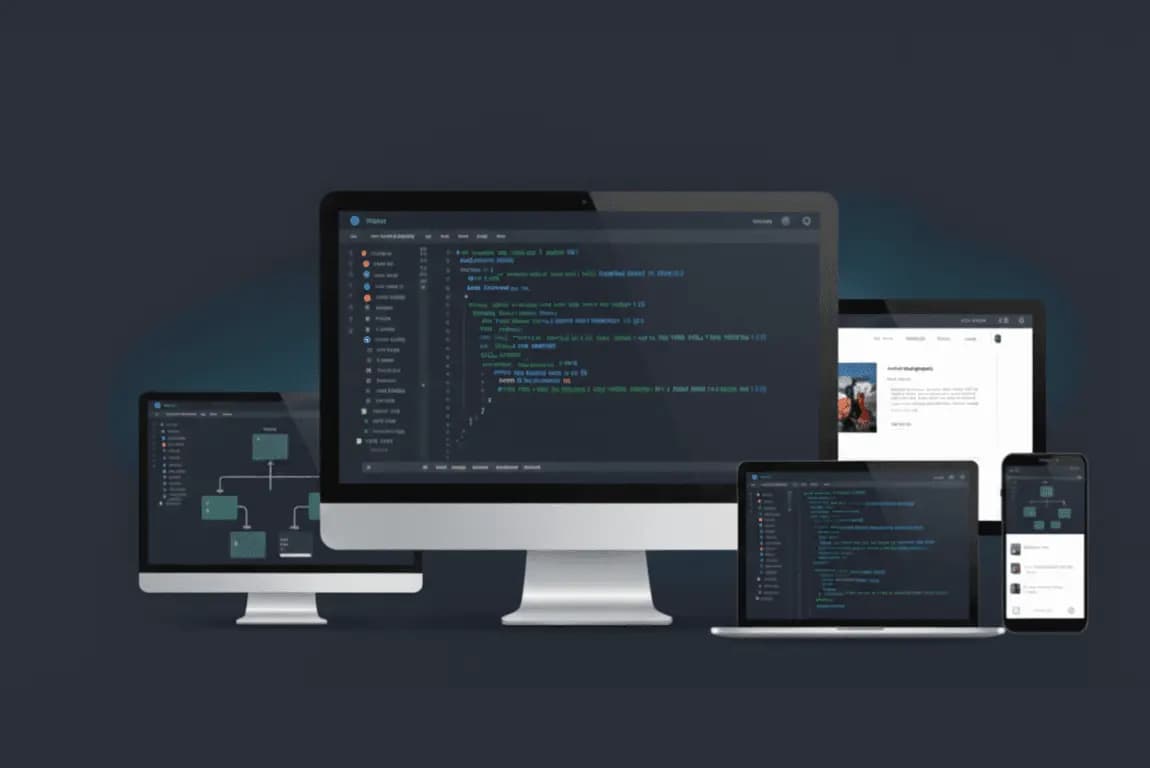
Custom software · Internal product
Data Function CRM
A role-based sales portal with browser calling, texting and payments
View case study
Invoices typed into accounting, leads copied into a spreadsheet, the same emails written again and again, reports assembled every Monday. We map the workflow, automate the parts that should not need a person, and keep a person in charge of the parts that should.
Sound familiar?
Small and mid-sized businesses, operations teams and founders who are growing faster than their processes.
How we approach it
01
A short discovery of the real workflow: who does what, in which tool, how often, and where it breaks. Most automation projects fail because they automate a process nobody has written down.
02
An existing feature in your CRM or accounting system, a no-code tool such as Zapier, Make or n8n, a language model step for drafting or extraction, or custom code. We recommend the simplest option that will hold up.
03
Approvals, exceptions and anything customer-facing route to a human by design, with an audit trail of what the automation did.
04
Every automation ships with a way to see that it ran, what it processed and what it skipped, plus a maintenance plan so it keeps working when a tool changes its API.
We are not resellers. We recommend the option that fits your needs and data constraints.
Proof
Real systems in production, with the business problem, what we built and how the client uses it.
Custom software · Internal product
A role-based sales portal with browser calling, texting and payments
View case study
Custom software · CRM
A CRM for visa case management and a website that brings in the clients
View case study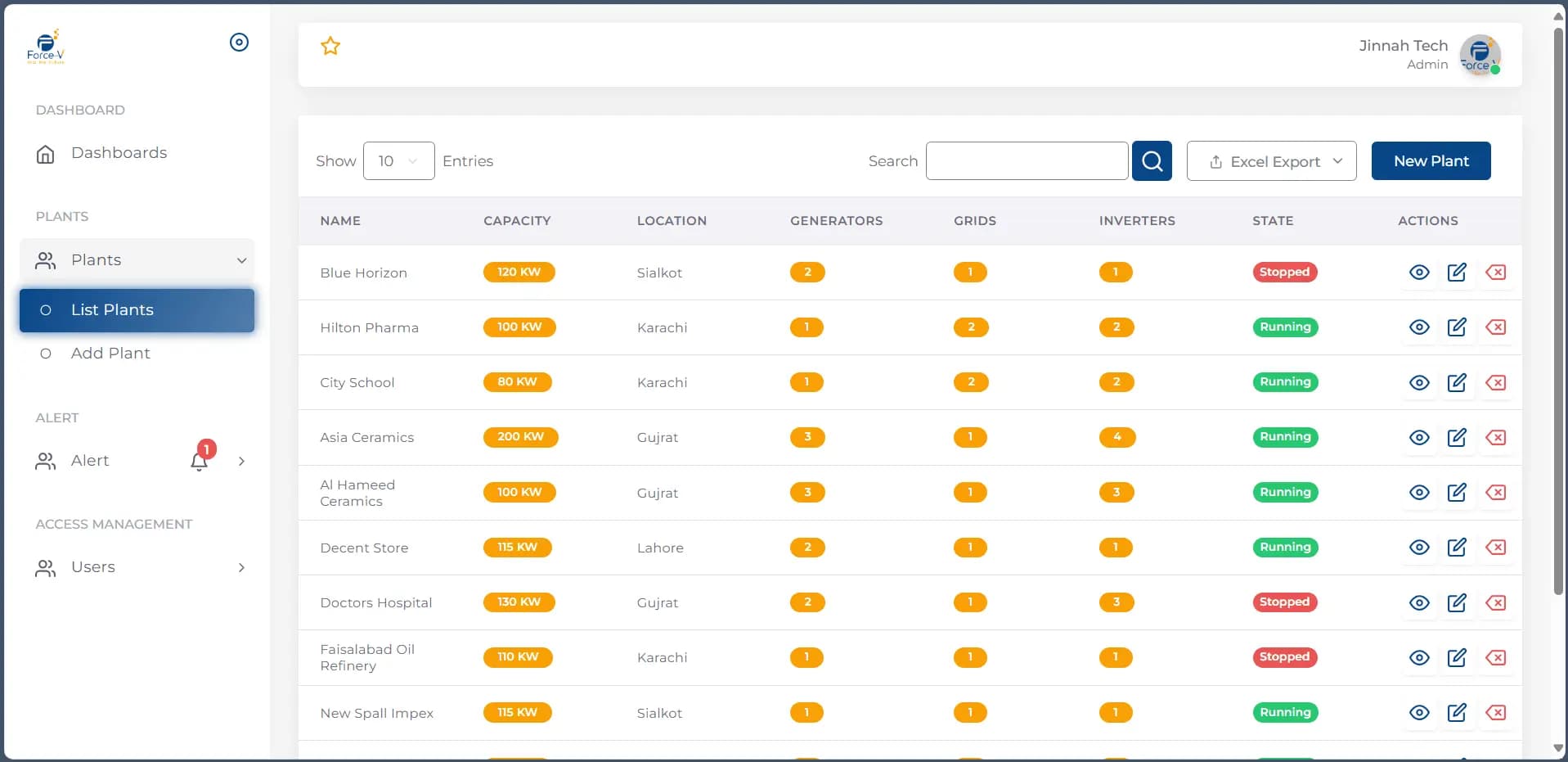 Video
VideoCustom software · IoT
Real-time monitoring for commercial solar plants, on web, iOS and Android
View case studyGuides
AI & data
Fifteen repetitive processes small and mid-sized businesses automate most often, with what each looks like today, what to hand to software, when an…
Questions
Often not. Many workflows can be automated with features already in your CRM or accounting system, or with a no-code tool. We tell you which, and we only recommend custom code when the workflow is too specific or too high-volume for those options.
Every automation we build logs what it did and routes exceptions to a person. For anything that touches customers or money, a human approves before it goes out.
A focused automation on an existing tool usually takes days to a few weeks, including discovery and testing. Larger workflows that span several systems are scoped in phases.
Related
Solutions
Triage, routing, drafted replies for review, confirmations, reminders and scheduling.
Learn moreSolutions
Invoices, applications, contracts, filings and forms arrive as PDFs and attachments.
Learn moreSolutions
CRM, accounting, inventory, project management, e-commerce, field devices.
Learn moreFree consultation
A free 30-minute call is enough for us to tell you whether automation or custom software will pay off, what we would do first and roughly what it would cost. No preparation needed.
Or reach us directly:info@datafunction.ca+1 416-319-3884